INDIVIDUAL & MULTIFUNCTIONAL
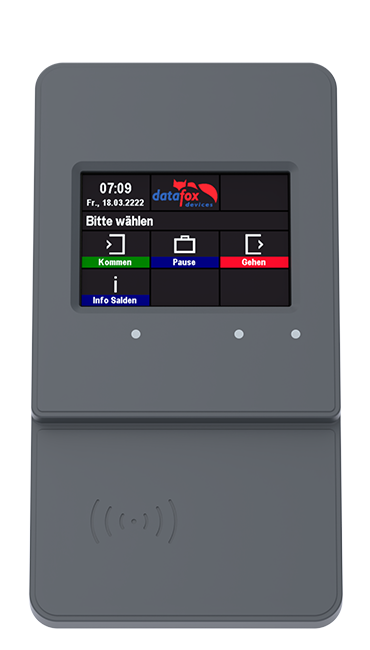
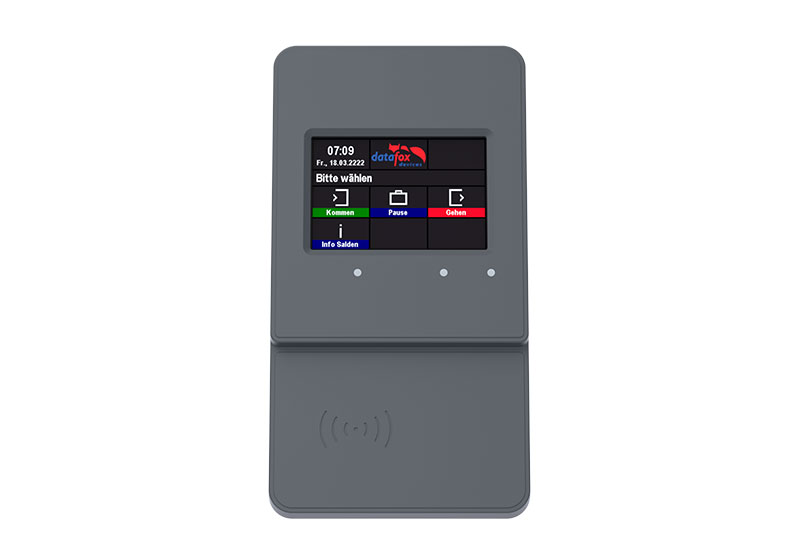
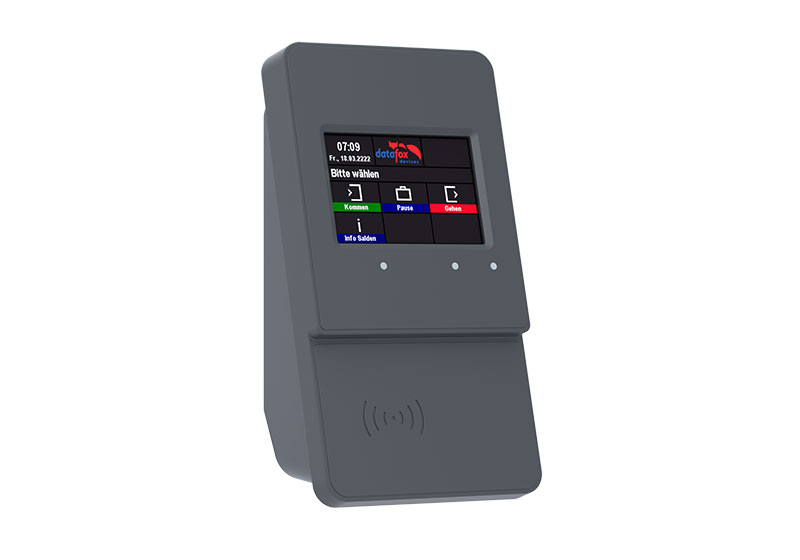
Datafox EVO 3.5 Pure
The robust, versatile terminal with an excellent price/performance ratio.
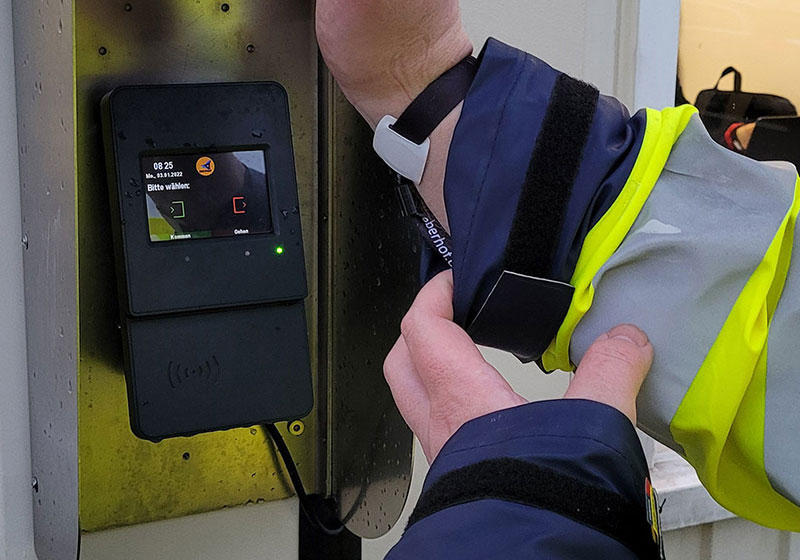
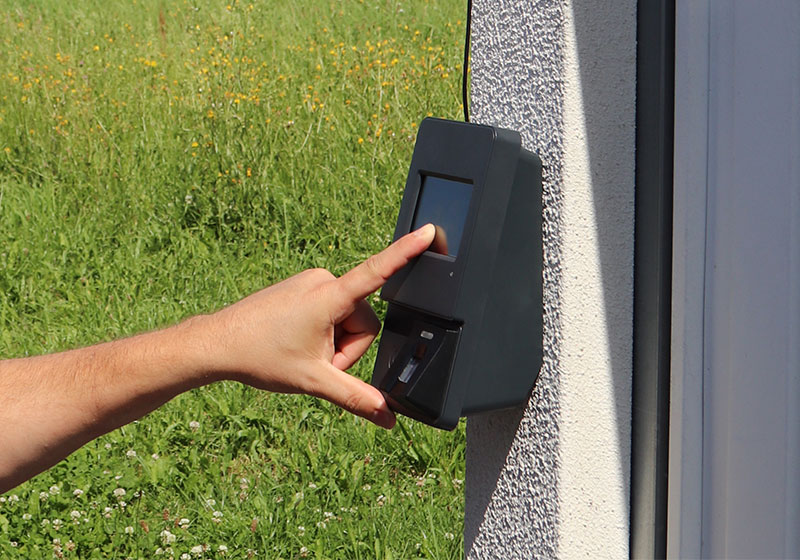
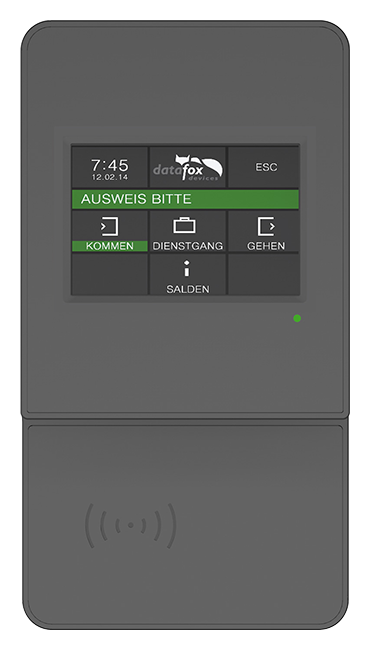
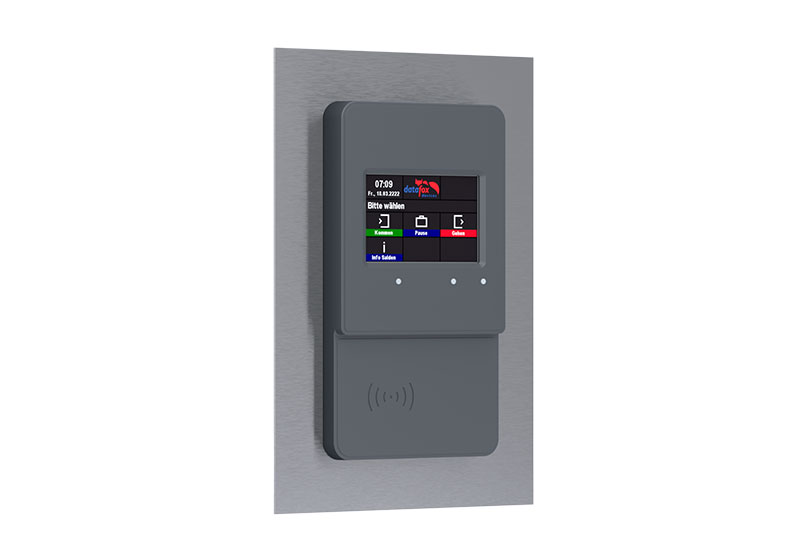
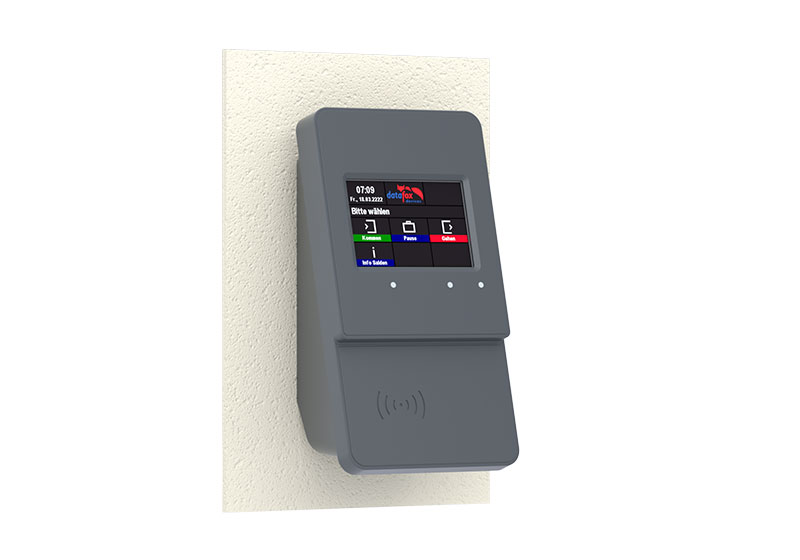
The EVO 3.5 Pure time & access terminal is the alternative for price-conscious customers. It sets new standards in the price/performance ratio and that without any functional limitations. Time recording, order time recording and access control up to 8 doors are supported. The appearance of the EVO 3.5 Pure is adapted to the premium terminal EVO 4.3 or the EVO IPCs and thus rounds off the device series downwards in terms of price.
Based on the Datafox embedded system and equipped with the latest technology, data is recorded quickly and accurately and immediately transferred to the evaluation software. Accounting, calculations or other evaluations can be carried out promptly, and processes can be tracked, controlled and optimized in a targeted manner. Fewer queries arise, because employees can directly call up personal information such as vacation, hourly accounts, etc. A high quality and topicality of the data is guaranteed with minimal time expenditure.
The device can be integrated into any IT solutions through setup and communication tools from Datafox.
High-quality, durable plastic housing
Many available options for
verification and capture
Cost effective & compact
Color LCD display with
capacitive touch
Proximity sensor for
energy saving standby mode
Time & access bookings with
all commercially available RFID methods
Technical specifications
Overview
Parameterization
User-definable customization
Communication
Software integration
Additional options
as required
Downloads
more information
Housing
ENVIRONMENT & INFLUENCES
DATA STORAGE & TRANSMISSION
DISPLAY & KEYS
DATAFOX STUDIO IV
DatafoxStudioIV - Setup-Software
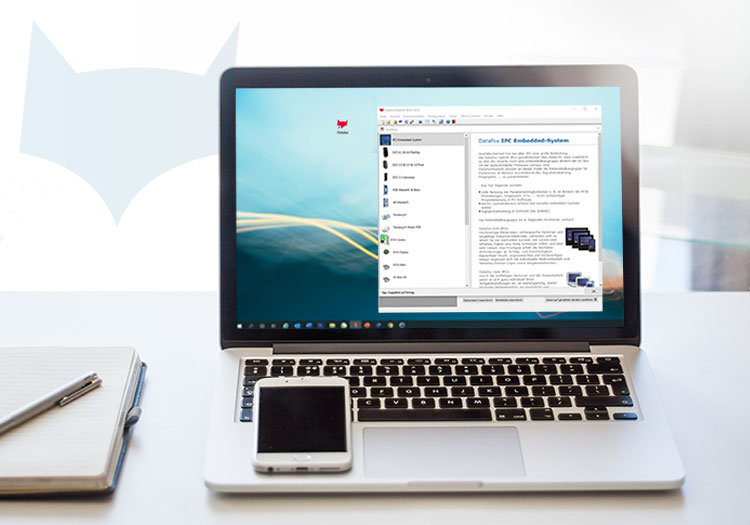
The DatafoxStudioIV is our free software for device parameterization. With it, device setups can be created and modified very easily and without programming knowledge.
Systems engineering & communication
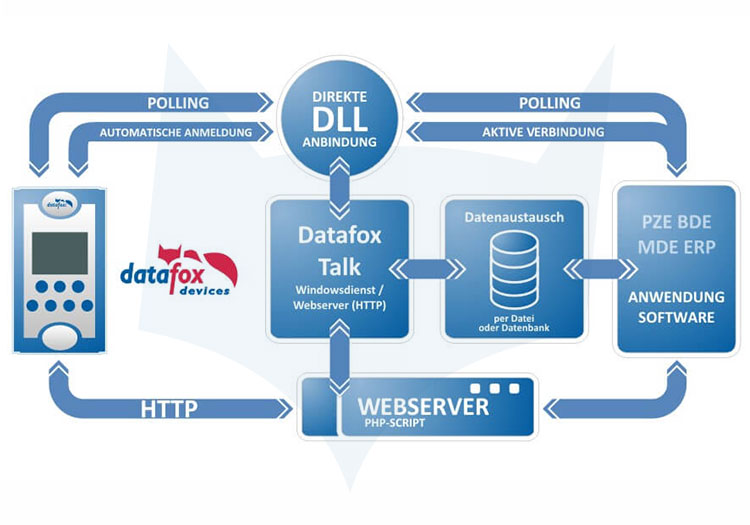
There are three options available for communication between Datafox devices and management software:
DATAFOX CONNECT
Datafox Connect is our web-based software solution for networking and managing your Datafox devices. It can fully handle device communication using either of the protocols listed below. Datafox Connect can also be used for specific tasks only, making it a flexible complement to a direct connection.
With features for device management, monitoring, and simplified support, Datafox Connect helps you set up and operate projects efficiently.
Find out more now
HTTPS
Datafox devices can exchange data with your server application directly via the secure and standardized HTTPS protocol. Your application acts as the HTTPS server, and as soon as data is available for transmission on the device, it is actively sent to the server. This approach enables efficient server operation, with a connection between the device and server existing only when data is being exchanged.
DFCOM API
The DFCom API provides an interface for remote control of devices. This proprietary interface is available as an open-source runtime library for Windows and Linux systems and is designed for fully encrypted communication via a direct, bidirectional connection. It allows you to perform actions on devices (e.g., switching relays or updating list data) even if the device is not actively transmitting data records.
Further information on the different communication methods can be found in the following documents:
COMMUNICATION & DATA TRANSFER
USB host
Info sheet
GPRS cellular modem
Info sheet
Mobile radio
Info sheet | Presentation
HTTP / FTP / Web server
WLAN
TCP/IP
RS232
RS485
Fixed analog modem - external
RFID TRANSPONDER READER INTEGRATED
Unique EM4102/4200
Hitag1
Hitag2
HitagS
Hitag1-Feigcodierung
Titan / EM4450 (Hewi)
Mifare-Classic
Mifare-Desfire
Legic Prime und Advant
Nedap
SimonsVoss
power supply
Power supply 12 V DC: Connecting cable 3 m; ambient temperature -20 to + 50°C
POE adapter integrated (according to standard 802.3af)
FURTHER FUNCTIONS
Surface finishing
Info sheet (antibacterial lacquering)
Temperature measurement
Info sheet | Video
Biometry: Fingerprint module
Info sheet | Videos
Barcode reader (internal)
Info sheet | More information
Barcode reader (external)
Connection & info see manual
GPS
Mehr Infos siehe Handbuch
Machine data collection
More info see manual
Access control
Info sheet
Magnetic card reader
MOUNTING ACCESSORIES
Table stand
Instruction
Weather protection roof
Instruction
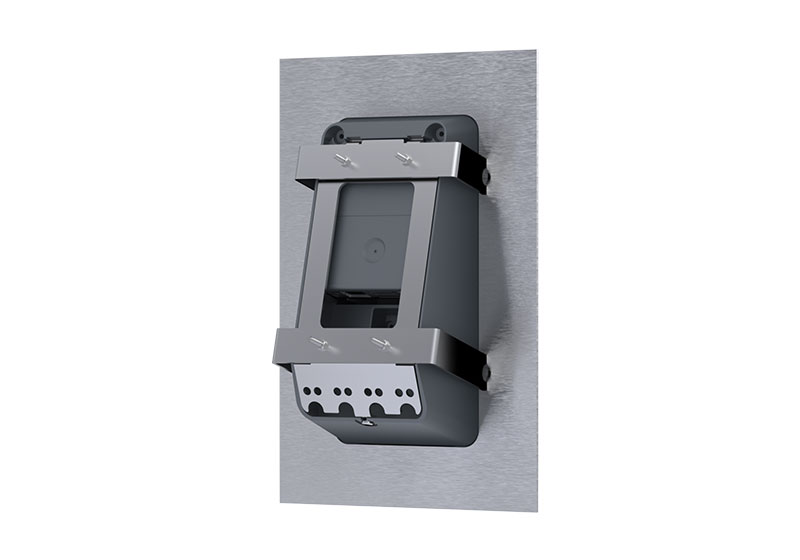
Front panel mounting set
Instruction
Stand column
Instruction
Downloads